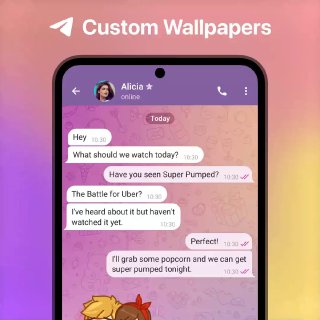
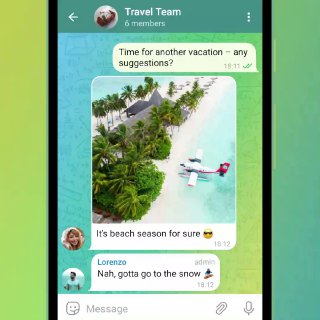
Chat-Specific Wallpapers. Your favorite photos and color combinations can become unique backgrounds in any 1-on-1 chat. After setting a wallpaper, a special message is sent that allows your chat partner to add the same wallpaper on their side. To set a custom wallpaper, tap ➕> ‘Set Wallpaper’ on Android, or open a profile and tap ➕ > ‘Change Wallpaper’ on iOS.
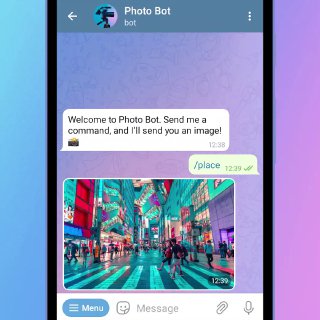
Bots. Perform tasks and access services built on Telegram’s open Bot Platform. Use the Bot Menu or enter text to send your command, and the Bot will instantly process your request. Any developer can build these chat-based applications that run directly inside Telegram for anything from online stores to arcade games. Bots have unique t.me links and can be found in search – like the official Sticker
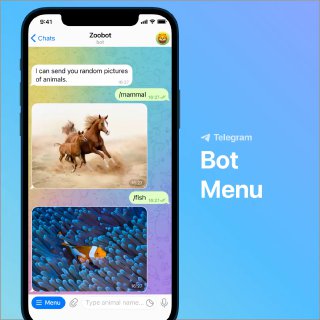
Bot Menu. In chats with bots, quickly send commands using the menu button – it lists several options with short descriptions to get you started. Bot developers can create customized commands that change based on a user’s interface language, chat type or admin status.
Polls in Groups. Make decisions in your group or channel by opening the 📎 attachment menu and choosing ‘Poll’. Polls are anonymous by default, but in groups you can disable 'Anonymous Voting' to show who voted for what. You can also allow multiple answers or make a quiz-style poll.
Polls in Channels. Take a survey in your channel or group by opening the 📎 attachment menu and choosing ‘Poll’. Polls are always anonymous in channels – and you can allow multiple answers for a range of responses or make a quiz-style poll to test your subscribers.
Quizzes and Educational Tests. Enable quiz mode for polls in groups and channels to test trivia knowledge or prepare for exams. Quizzes have one correct answer and allow for explanations that give more information. In groups, you can see how each user answered by disabling 'Anonymous Voting’. You can use @QuizBot to build full educational tests with multiple questions, media and more.